Picun G2 Bluetooth Gaming Headset – Immersive Sound, Unmatched Performance
Product Overview:
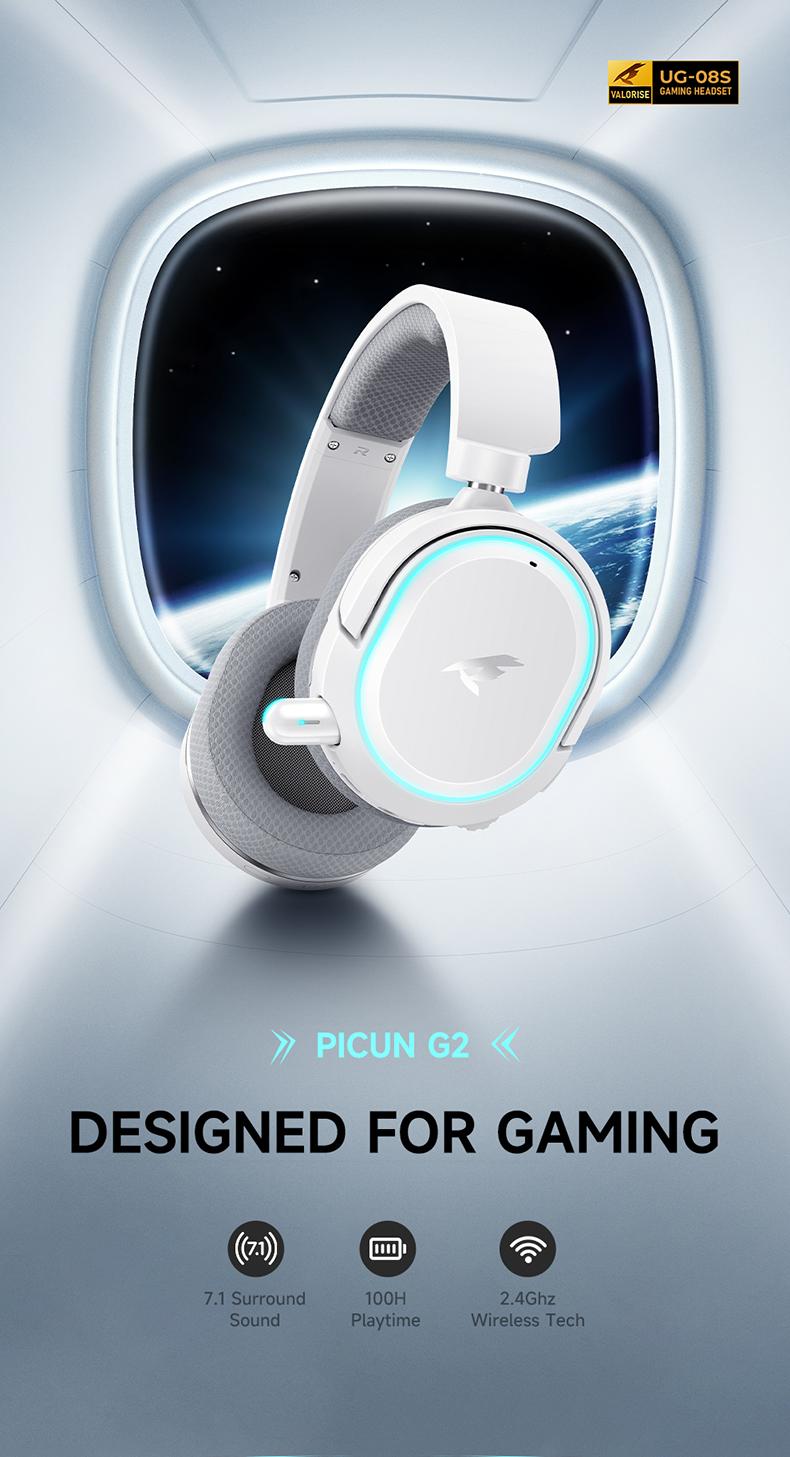
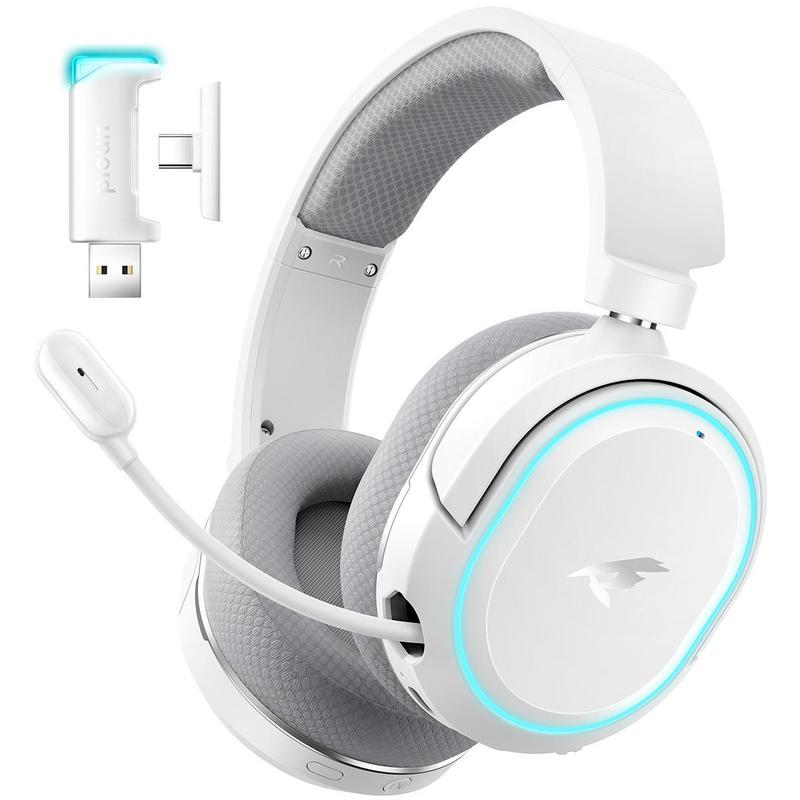
Experience next-level gaming audio with the Picun G2 Wireless Gaming Headset. Featuring 7.1 Surround Sound, a retractable ENC microphone, and 5ms ultra-low latency, it ensures precise sound positioning and seamless communication. Designed for comfort with RGB lights and up to 100 hours of playtime, this headset is perfect for PC, PS4, PS5, Mac, Switch and more.
Key Features:
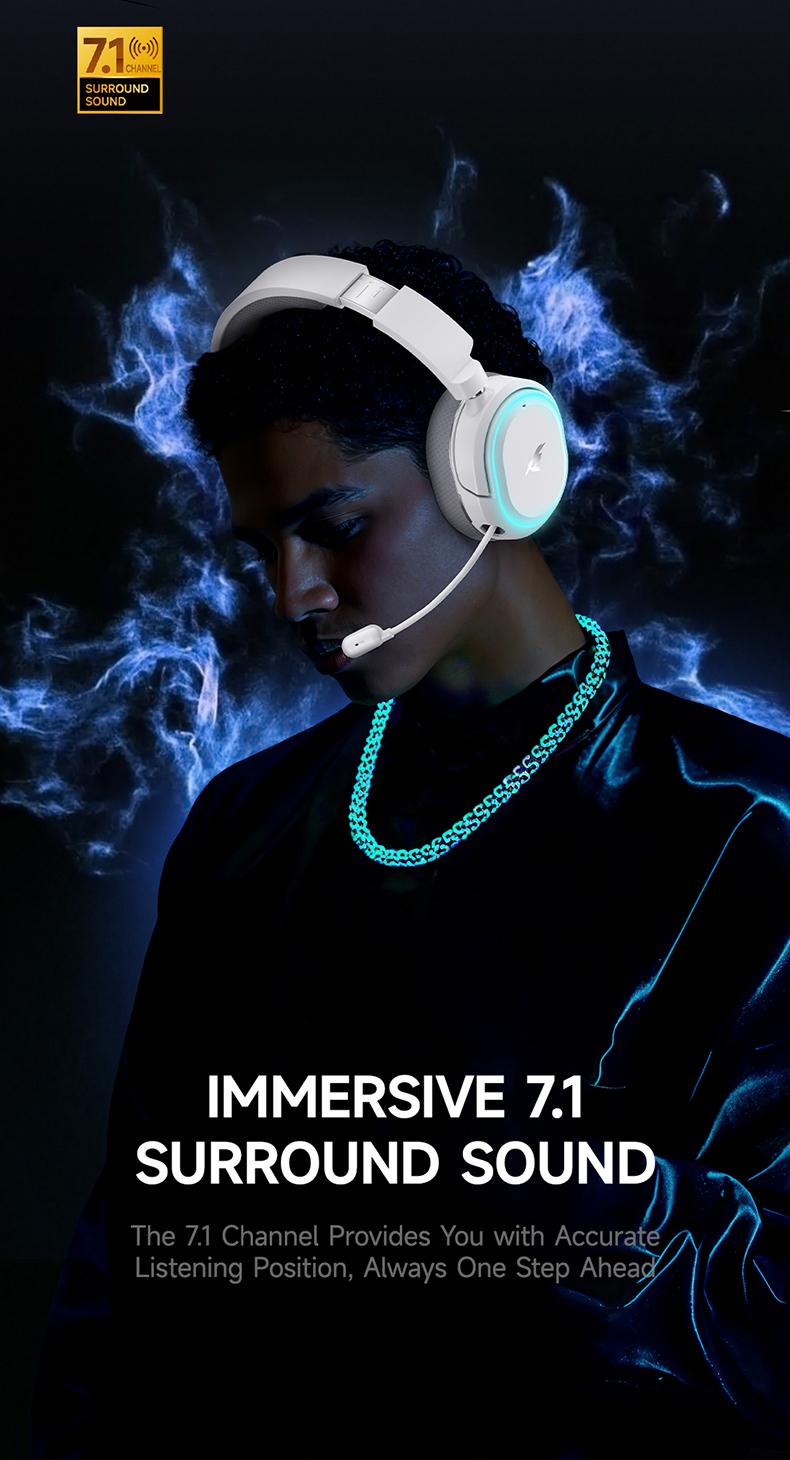
7.1 Surround Sound: Immerse yourself in cinematic audio with crystal-clear precision for every step, shot, and command.
Retractable ENC Microphone: Conveniently retract the microphone when not in use. Crystal-clear voice pickup with noise cancellation, perfect for intense gaming sessions.
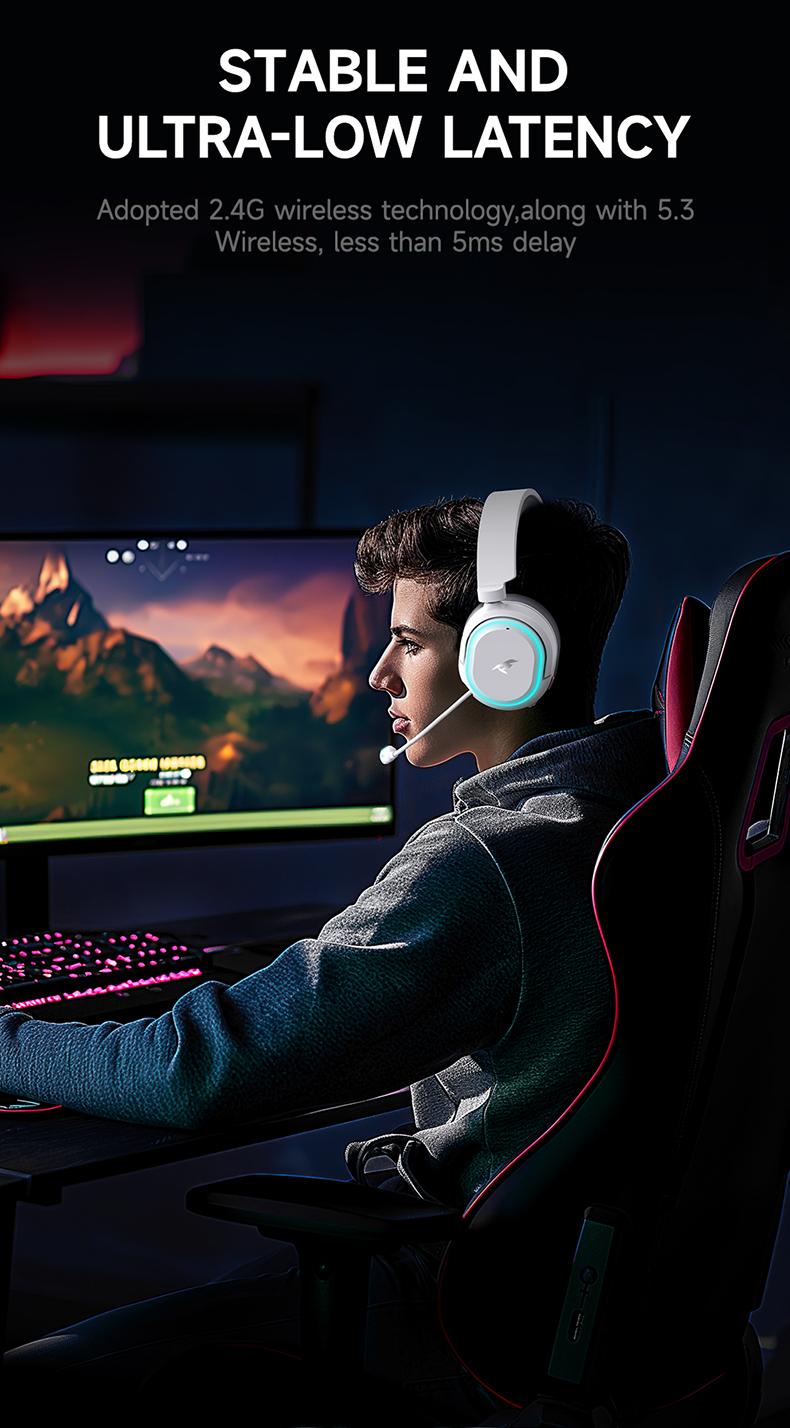
5ms Ultra Low Latency: Enjoy a 5ms ultra-fast connection, ensuring lag-free gaming for serious gamers.
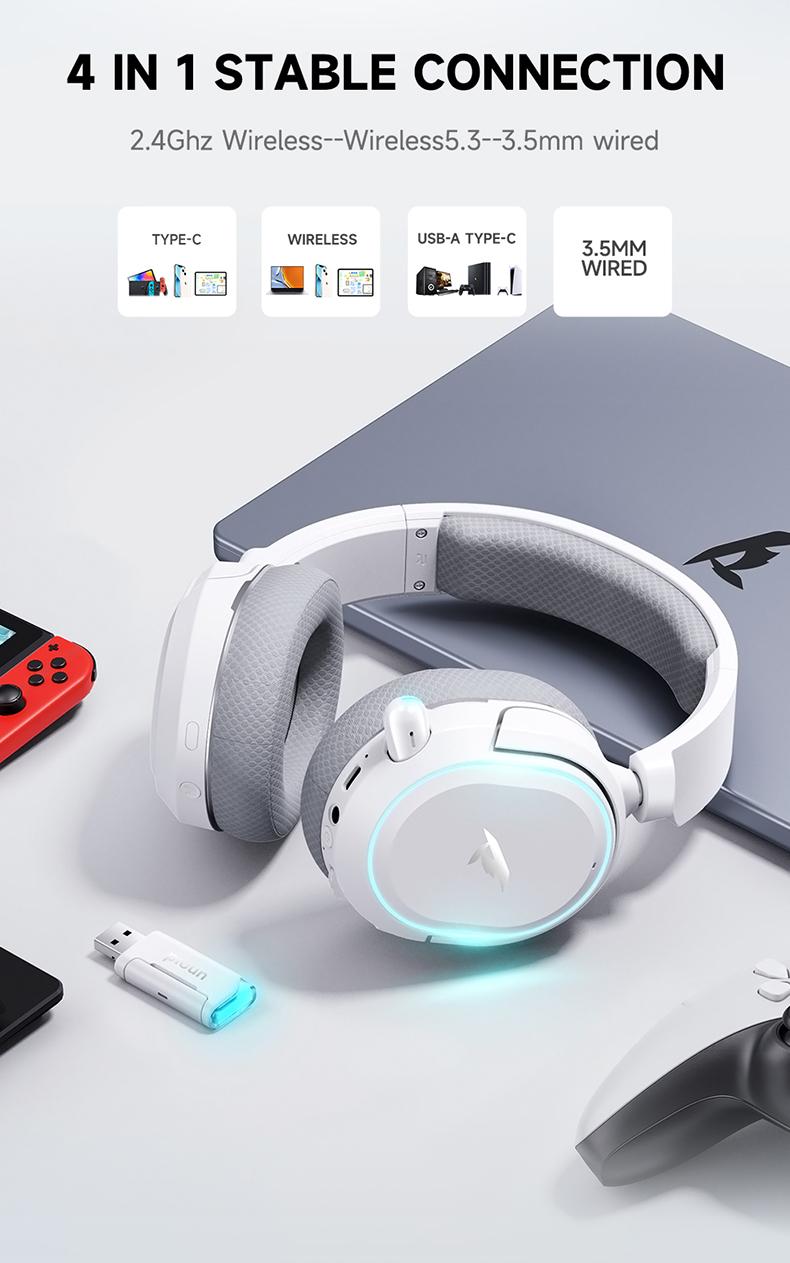
4-in-1 Stable Connection: Seamlessly connect via 2.4Ghz USB dongle, Bluetooth, or wired modes, giving you flexible options for any device.
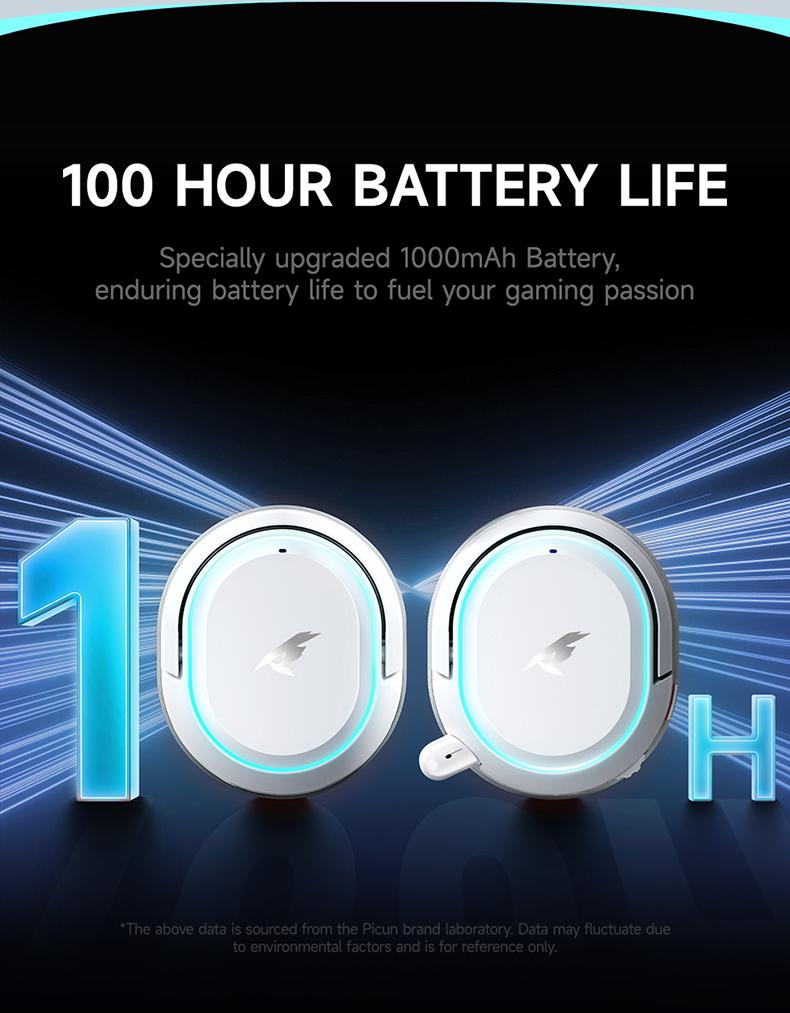
100H Playtime: Super durable battery life supports up to 100 hours of playback for all-day comfort and endurance.
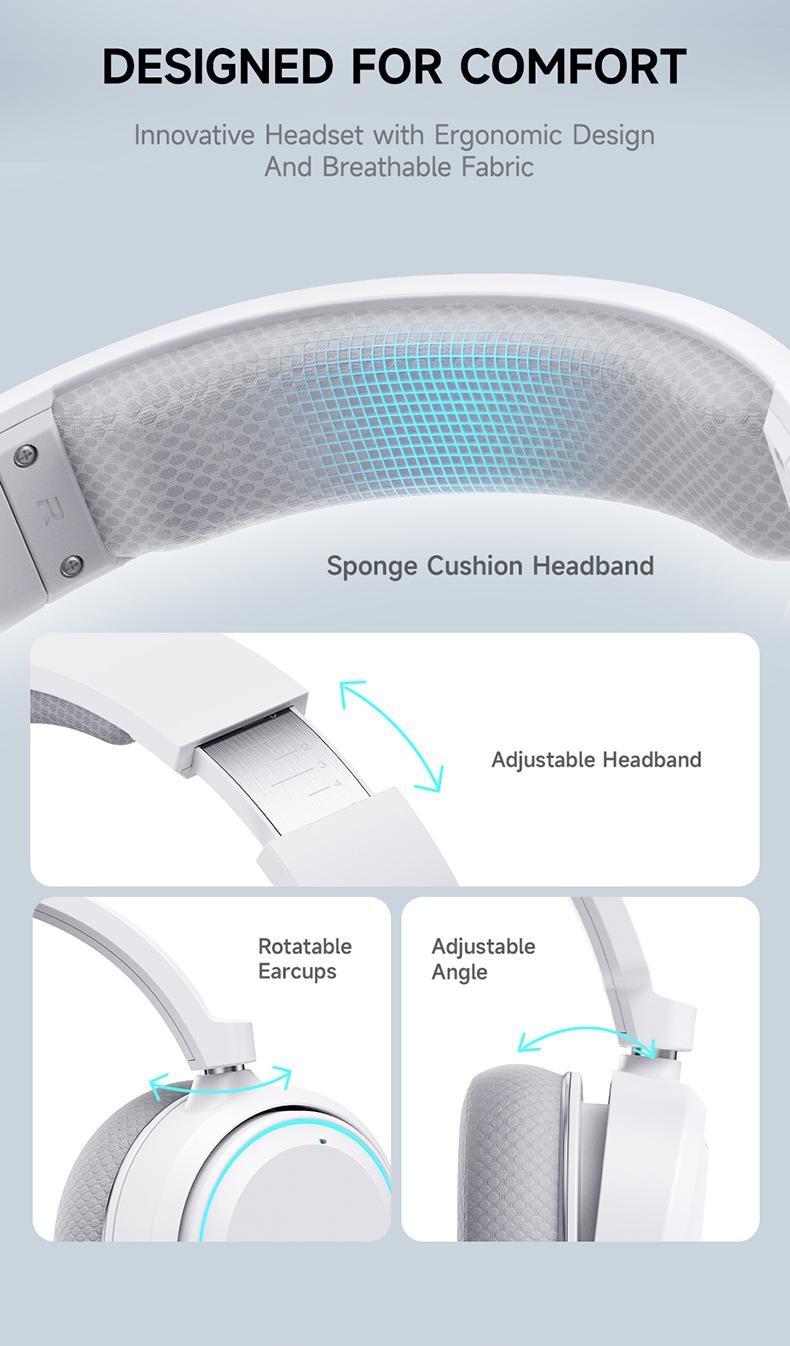
Easy and Fast Control: Lightweight design with ergonomic ear cushions and easy-access control wheels ensures hours of pain-free gaming.
Specifications:
Audio Quality: 7.1 Surround Sound
Latency: 5ms low-latency connection
Battery Life: Up to 45 hours playtime
Connectivity: 2.4Ghz USB Dongle + Bluetooth + Wired
Microphone: ENC noise-canceling, retractable
Compatibility: PC, PS4, PS5, Mac, Switch (Not compatible with Xbox wireless mode)
Q&A
1.Why the volume is low while connect to the PS5?
First: Roll the volume control wheel to adjust the volume.
Second: Set up-Sound- -Audio Output--Output Device--Choose USB Headset(Picun G2)
Third: Volume Headphones
2.When connected to the PS5, No sound from the microphone? Microphone sound too low?
First: Set up--Sound--Microphone--Input Device--Choose USB Headset(Picun G2)
Second: Adjust Microphone Level
Third: Mircophone Status When Logged in
Fourth: Mircophone Status When Starting Voice
Fifth: Volume--Controller Speaker
3.The Picun G2 wireless mode can not compatible with an XBOX!!!
Sure, The headset's wireless function not compatible with any xbox series.
4.How to switch between 2.4GHz dongle modes and Bluetooth modes to pair with gaming devices?
You can switch between 2.4GHz dongle modes and Bluetooth modes by pressing the power button three times.
If there are any quality issues with the product, please contact the store's customer service promptly to arrange after-sales support.
This product is shipped directly from the official TikTok warehouse. Actual battery life depends on your specific usage habits and the features you frequently enable. If the packaging is damaged or the product itself is defective, please contact our online customer service immediately to arrange a return and refund.