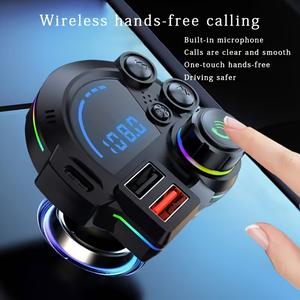
Bluetooth 5.3 FM Transmitter Car Charger with Ambient RGB Lighting, LED Display, Dual USB Ports, Hands-Free Calling, Bass Enhancement, 12V-24V Car Adapter
4.5%1%
Automobile HarborVerified by GrowiVerified by TikTok Shop
Loading…
19%18%
$26.58 per sale
XXONRICH BrandVerified by GrowiVerified by TikTok Shop1 items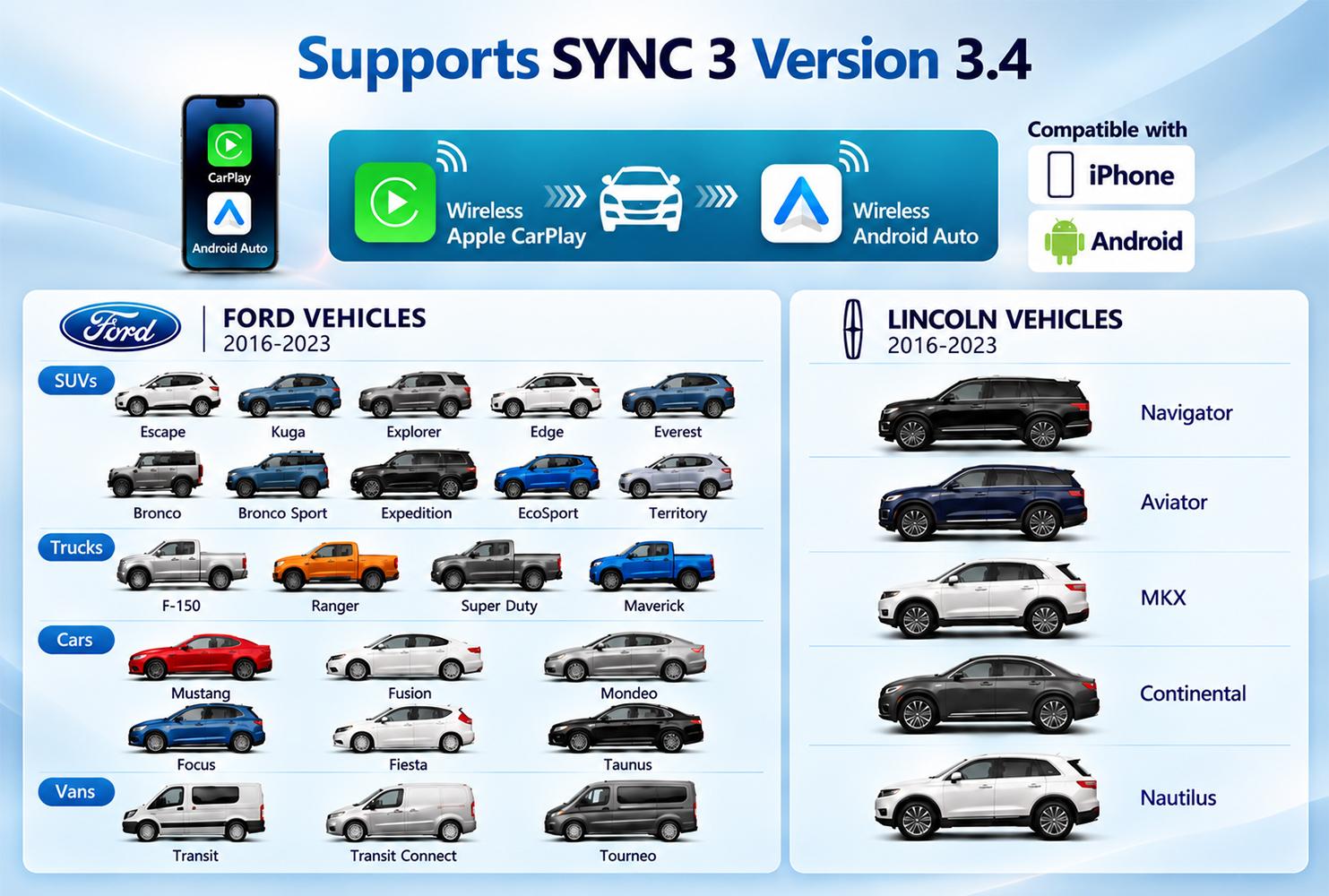
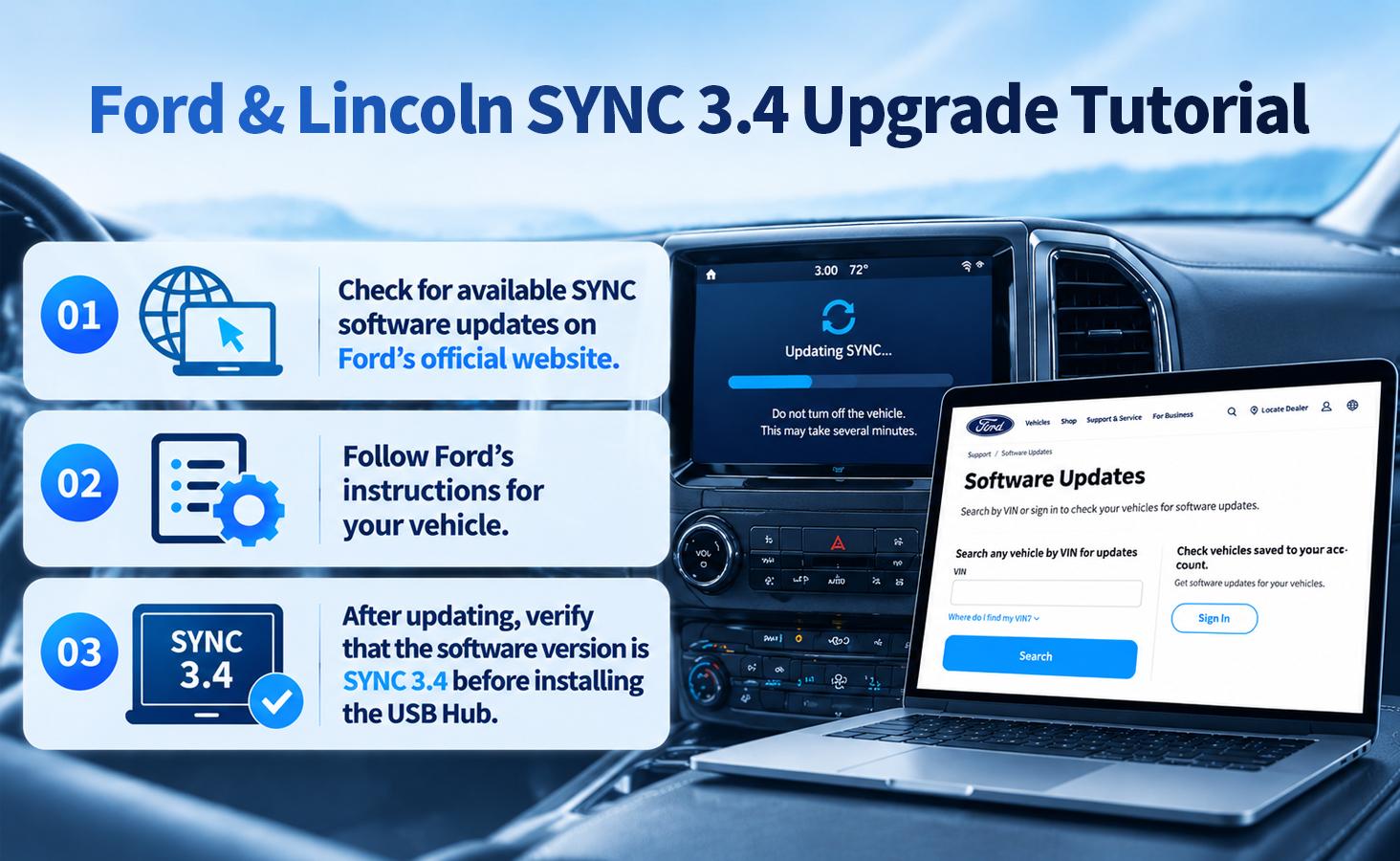
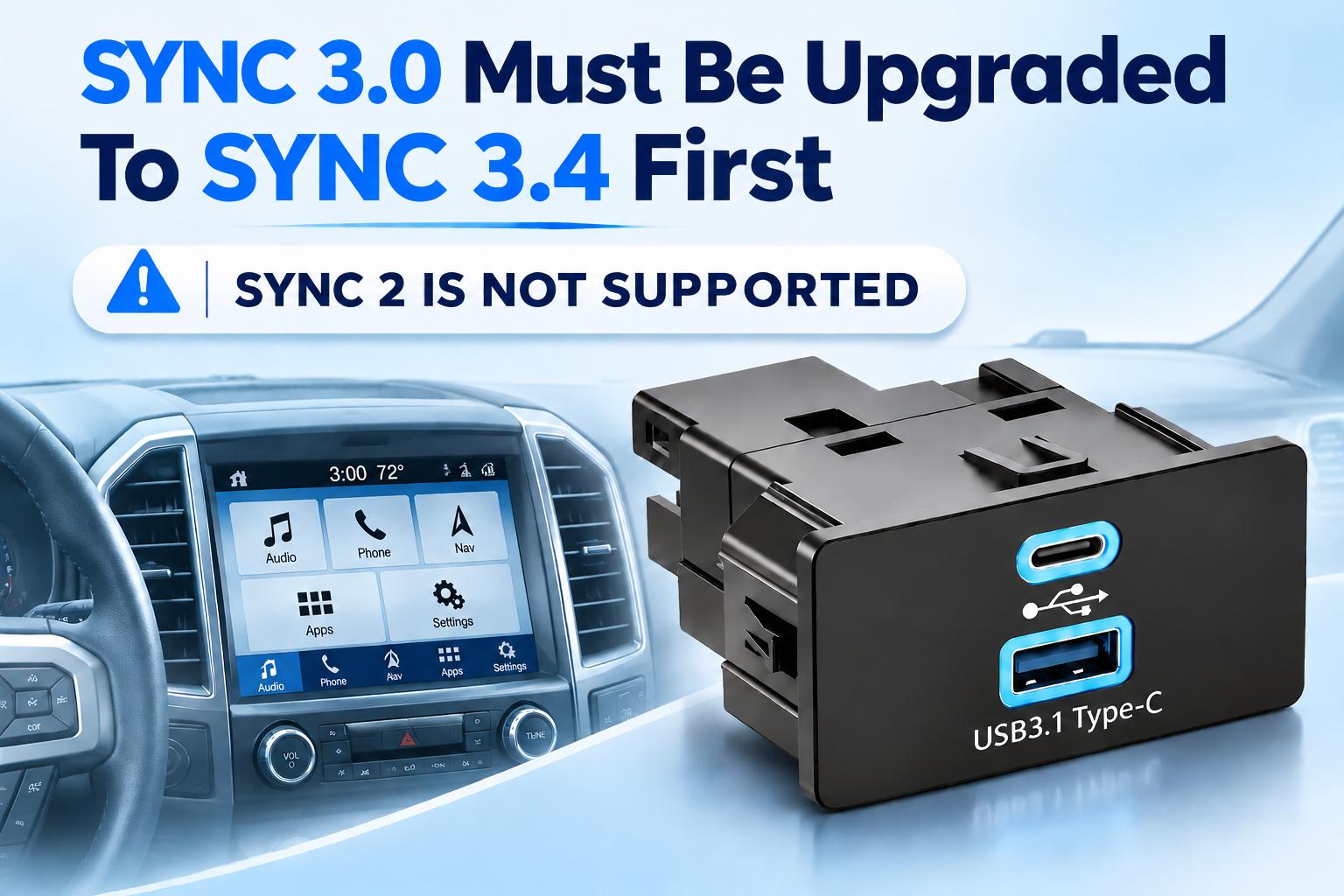
FORD &LINCOLN SYNC 3.4
WIRELESS CARPLAY&ANDROID AUTO USB HUB
1.Product Overview
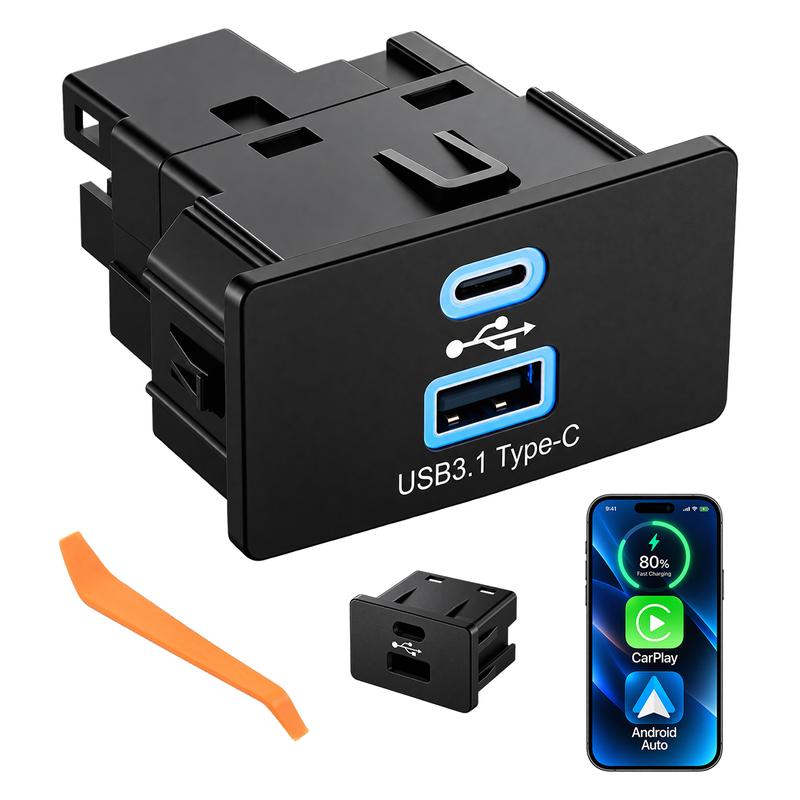
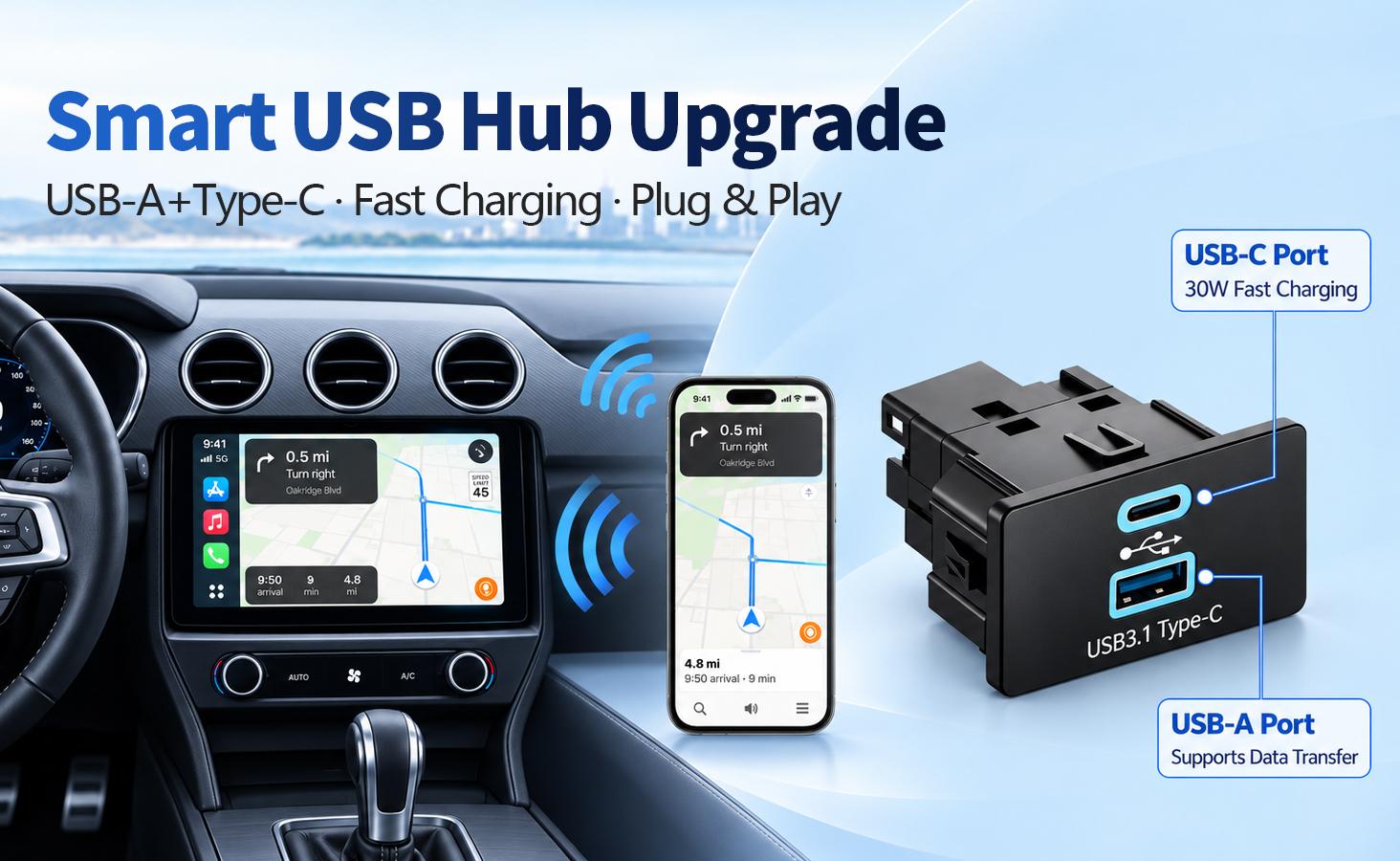
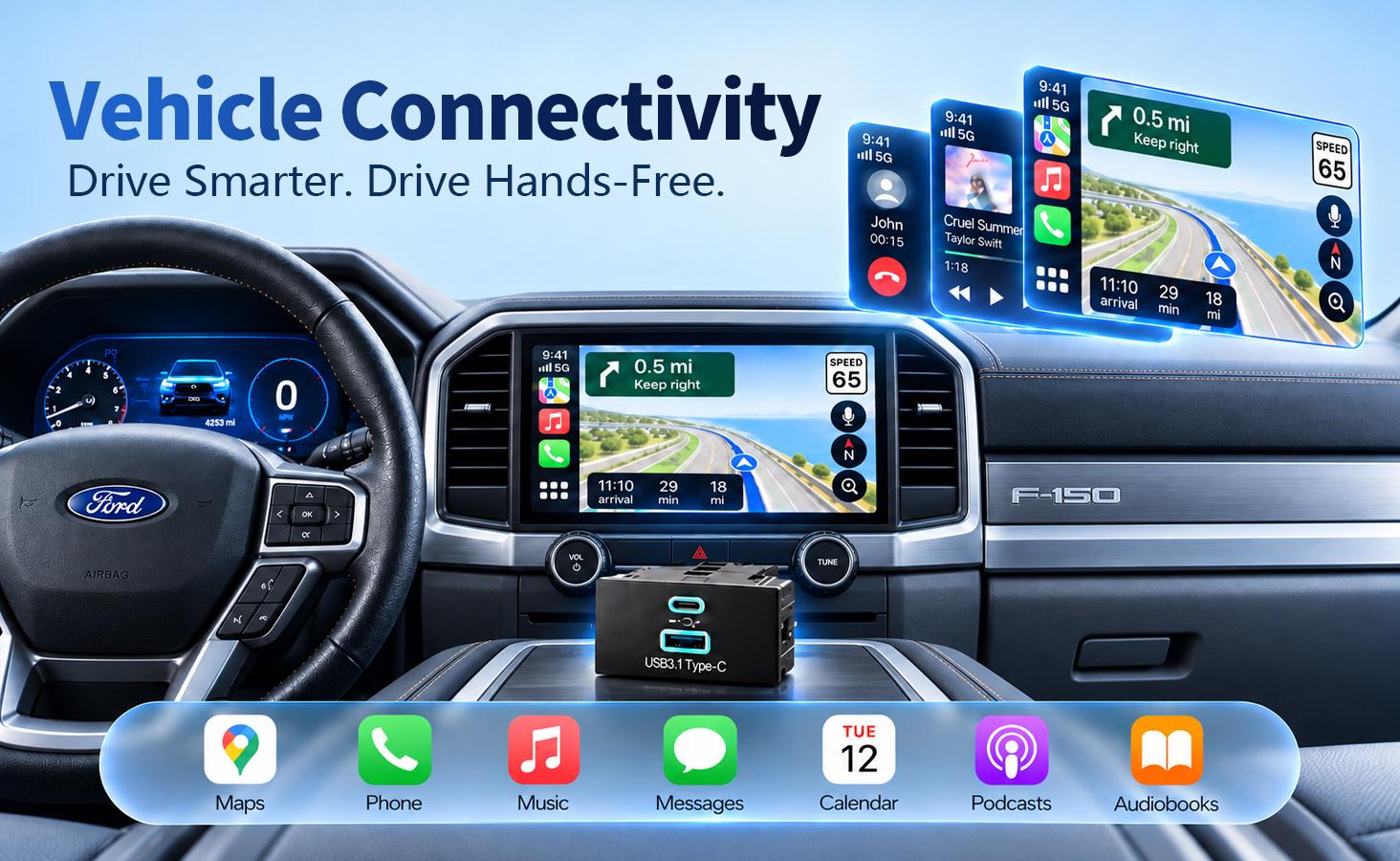
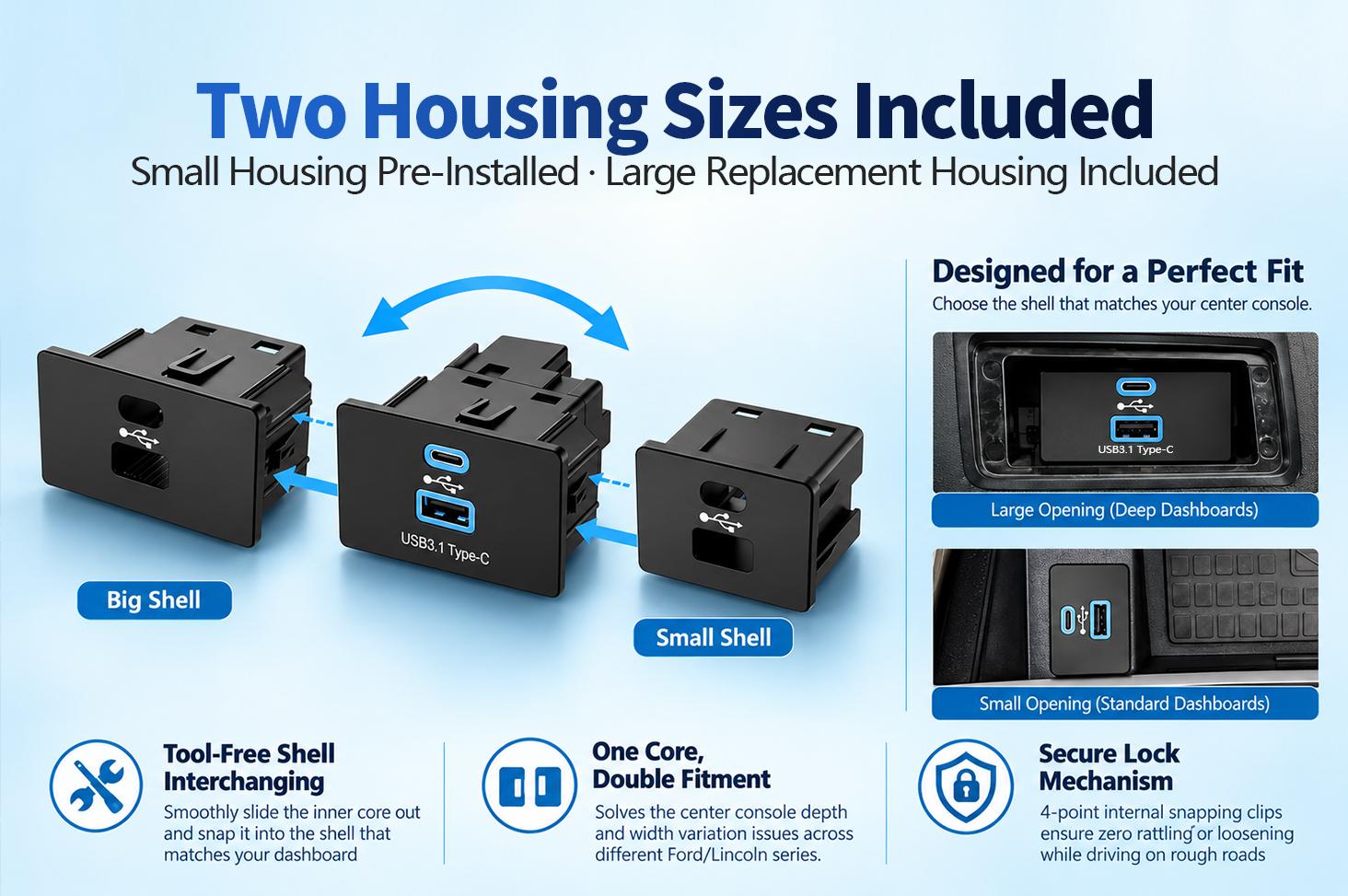
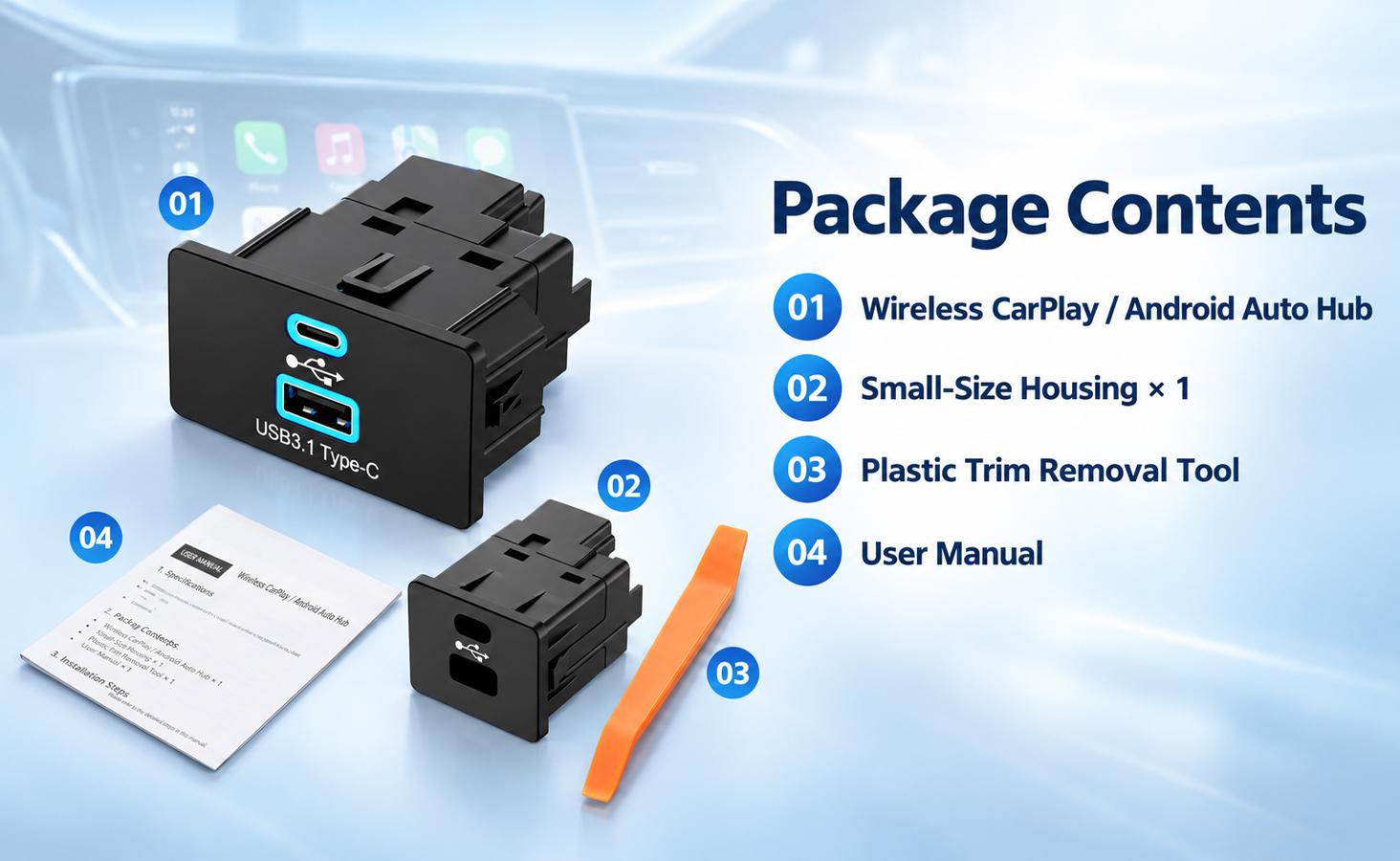
The XONRICH Ford &Lincoln SYNC3.4 USB Hub adds wireless Apple CarPlay and Android Auto connectivity while maintaining an OEM-style appearance.It connects through the vehicle's original USB connection without cutting or modifying the factory wiring.
2.Feature Description
Wireless connectivity
Wireless Apple CarPlay and Android Auto
USB-A port
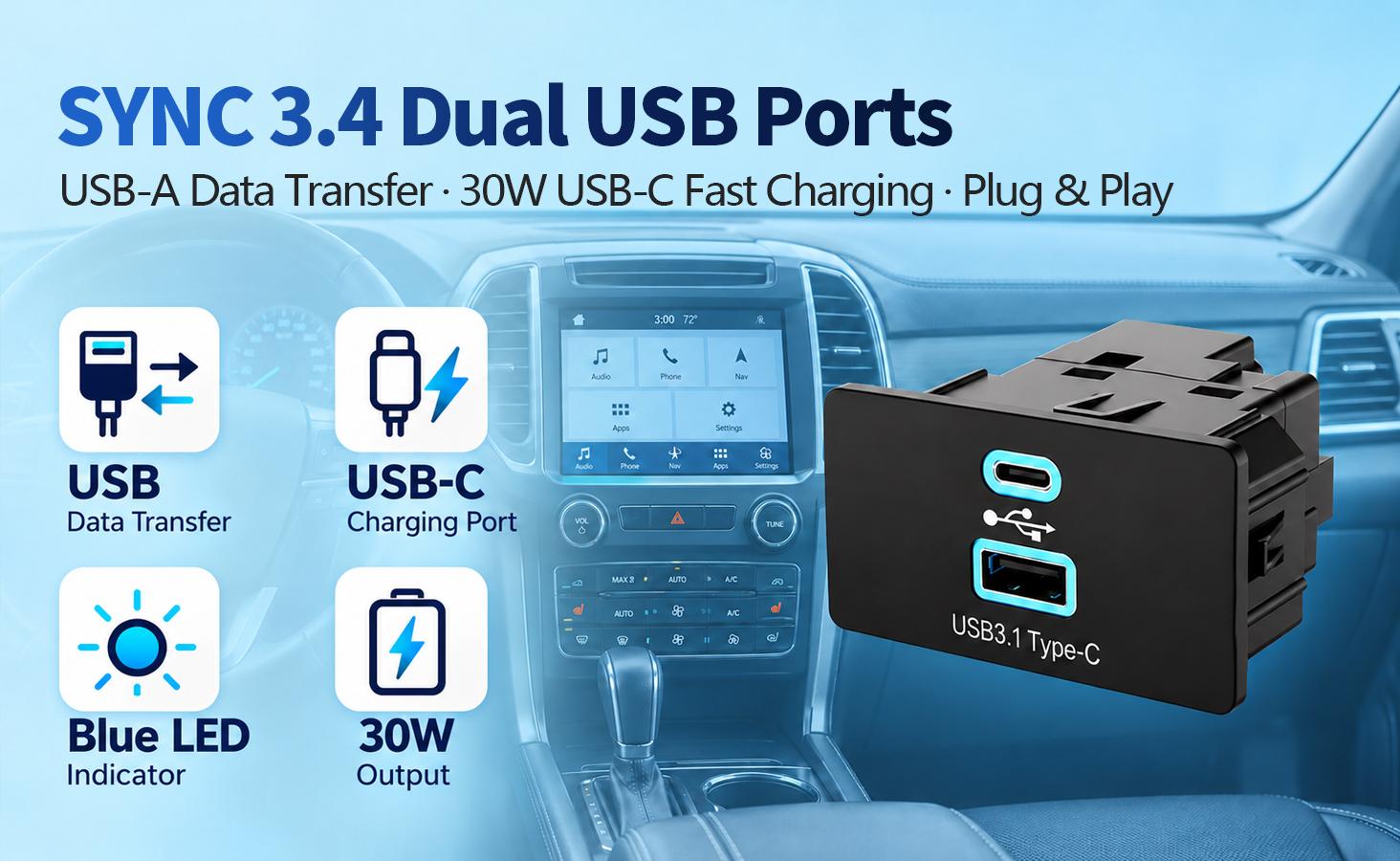
Play music from a compatible USB flash drive
USB-C port
USB Power Delivery charging upto 30W
OEM-style lighting
Ice-blue LED illumination
Installation
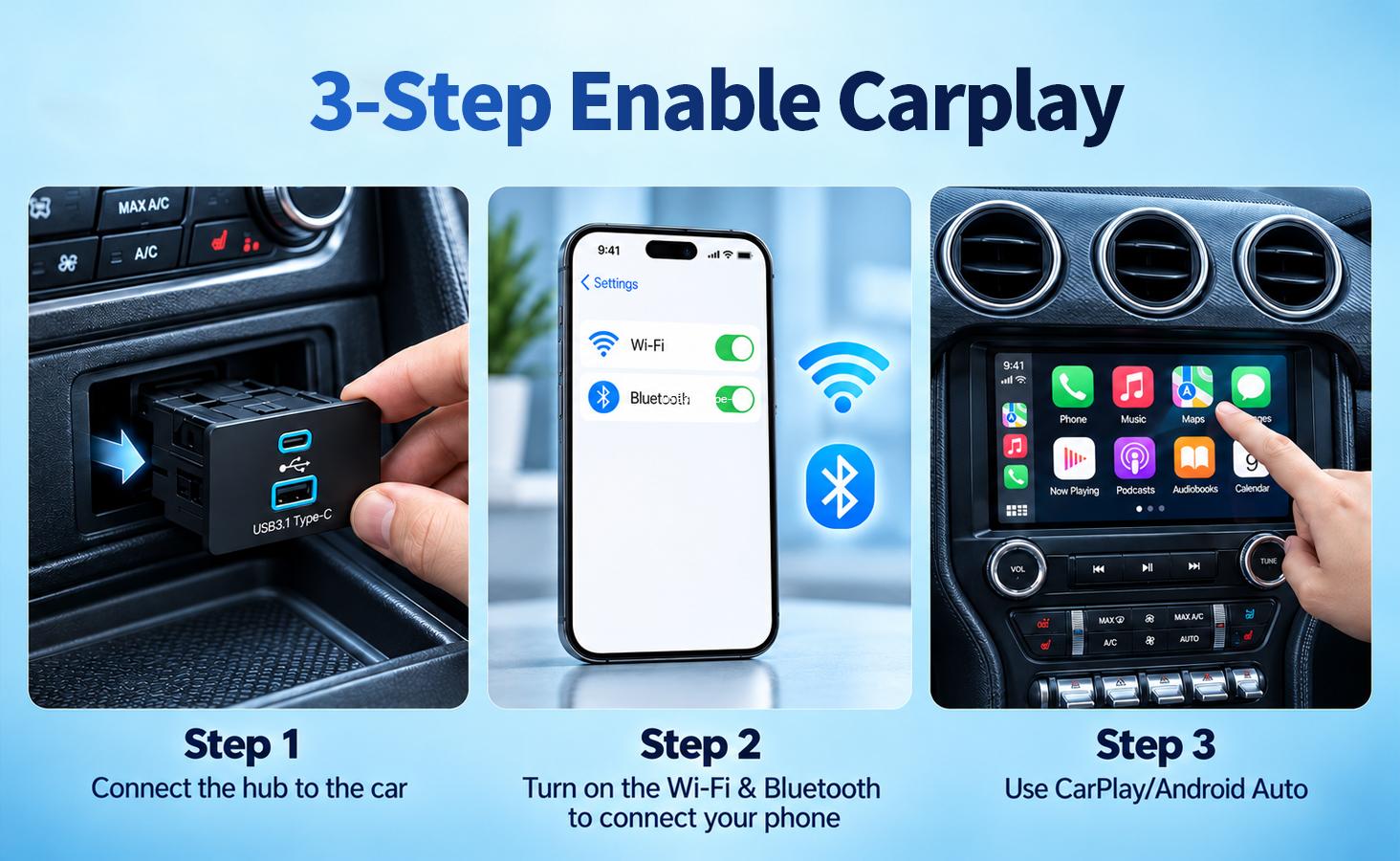
Plug-and-play design;no cuting of factory wiring
3. Wireless Apple CarPlay Setup
1. Start the vehicle and wait for SYNC 3.4 to finish booting.
2. Make sure Apple CarPlay is enabled in your vehicle's SYNC settings.
3. Turn on Bluetooth and Wi-Fi on your iPhone.
4. Open Bluetooth settings and search for the USB Hub. The device name will appear as SYNC3_XXXX, where XXXX represents the device-specific characters.
5. Select the device and approve the Bluetooth pairing request.
6. When prompted, allow and enable Apple CarPlay on your iPhone and vehicle screen, if applicable.
7. After initial Bluetooth pairing and the connection handshake, the USB Hub uses Wi-Fi to transmit wireless CarPlay data, including audio, navigation information, and touch-control commands.
8. Keep Bluetooth and Wi-Fi enabled during normal wireless operation.
After setup, your iPhone should reconnect automatically when the vehicle and phone are ready. If connection fails, remove the previous Bluetooth pairing and CarPlay connection, restart the phone and vehicle system, and pair again.
4. Wireless Android Auto Setup
1. Confirm that your Android phone supports wireless Android Auto.
2. Enable Bluetooth and Wi-Fi on your phone.
3. Start the vehicle and wait for SYNC 3.4 to finish booting.
4. Open Bluetooth settings and search for the USB Hub's device name, SYNC3_XXXX, where XXXX represents the device-specific characters.
5. Select the device and follow the pairing instructions.
6. Approve the required Android Auto permissions and connection prompts.
7. After initial Bluetooth pairing and the connection handshake, the USB Hub uses Wi-Fi for wireless data transmission.
8. Keep Bluetooth and Wi-Fi enabled during normal wireless operation.
If the connection fails, remove the previous pairing, restart the phone and vehicle system, and repeat the setup process.
4.5%1%
Automobile HarborVerified by GrowiVerified by TikTok Shop
11.5%10%
JOYTUTUSVerified by GrowiVerified by TikTok Shop
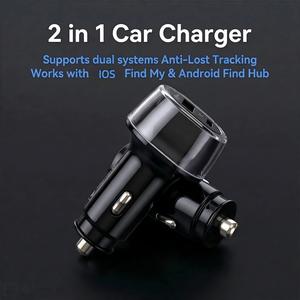
11.5%8%
AIYATOVerified by GrowiVerified by TikTok Shop
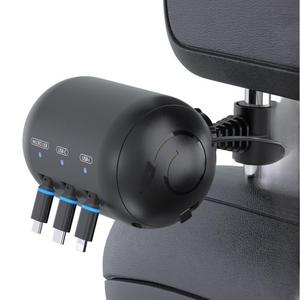
13%10%
USADTVerified by GrowiVerified by TikTok Shop
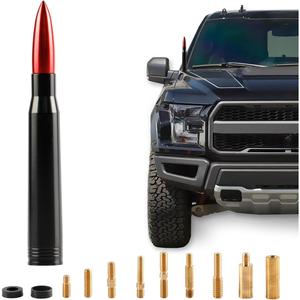
6%0%
ToolHome ShopVerified by GrowiVerified by TikTok Shop
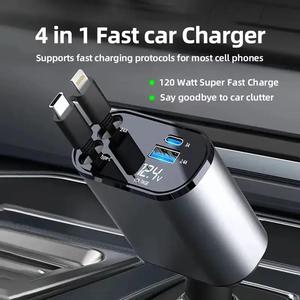
12.5%10%
KemimotoVerified by GrowiVerified by TikTok Shop
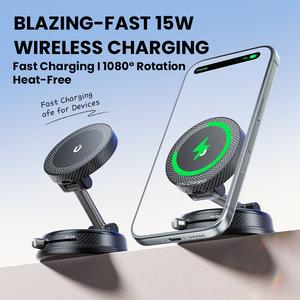
10%8%
AIYATOVerified by GrowiVerified by TikTok Shop
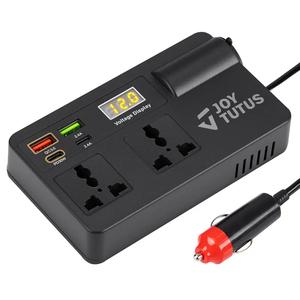
12.5%10%
KemimotoVerified by GrowiVerified by TikTok Shop
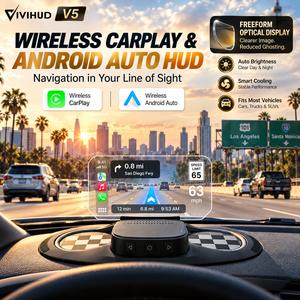
12.5%10%
VIVIHUDVerified by GrowiVerified by TikTok Shop
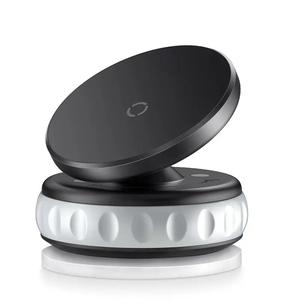
7%0%
ShiftHavenVerified by GrowiVerified by TikTok Shop
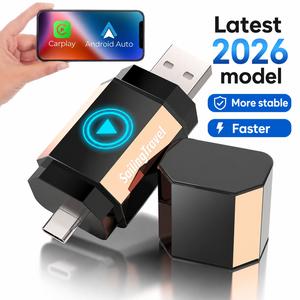
11%10%
Sailing TravelVerified by GrowiVerified by TikTok Shop
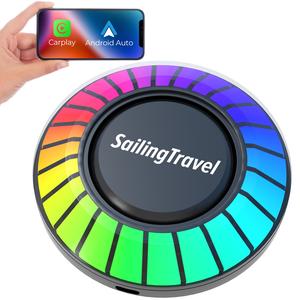
11%10%
Sailing TravelVerified by GrowiVerified by TikTok Shop
19%18%
$26.58 per sale
XXONRICH BrandVerified by GrowiVerified by TikTok Shop1 itemsFORD &LINCOLN SYNC 3.4
WIRELESS CARPLAY&ANDROID AUTO USB HUB
1.Product Overview
The XONRICH Ford &Lincoln SYNC3.4 USB Hub adds wireless Apple CarPlay and Android Auto connectivity while maintaining an OEM-style appearance.It connects through the vehicle's original USB connection without cutting or modifying the factory wiring.
2.Feature Description
Wireless connectivity
Wireless Apple CarPlay and Android Auto
USB-A port
Play music from a compatible USB flash drive
USB-C port
USB Power Delivery charging upto 30W
OEM-style lighting
Ice-blue LED illumination
Installation
Plug-and-play design;no cuting of factory wiring
3. Wireless Apple CarPlay Setup
1. Start the vehicle and wait for SYNC 3.4 to finish booting.
2. Make sure Apple CarPlay is enabled in your vehicle's SYNC settings.
3. Turn on Bluetooth and Wi-Fi on your iPhone.
4. Open Bluetooth settings and search for the USB Hub. The device name will appear as SYNC3_XXXX, where XXXX represents the device-specific characters.
5. Select the device and approve the Bluetooth pairing request.
6. When prompted, allow and enable Apple CarPlay on your iPhone and vehicle screen, if applicable.
7. After initial Bluetooth pairing and the connection handshake, the USB Hub uses Wi-Fi to transmit wireless CarPlay data, including audio, navigation information, and touch-control commands.
8. Keep Bluetooth and Wi-Fi enabled during normal wireless operation.
After setup, your iPhone should reconnect automatically when the vehicle and phone are ready. If connection fails, remove the previous Bluetooth pairing and CarPlay connection, restart the phone and vehicle system, and pair again.
4. Wireless Android Auto Setup
1. Confirm that your Android phone supports wireless Android Auto.
2. Enable Bluetooth and Wi-Fi on your phone.
3. Start the vehicle and wait for SYNC 3.4 to finish booting.
4. Open Bluetooth settings and search for the USB Hub's device name, SYNC3_XXXX, where XXXX represents the device-specific characters.
5. Select the device and follow the pairing instructions.
6. Approve the required Android Auto permissions and connection prompts.
7. After initial Bluetooth pairing and the connection handshake, the USB Hub uses Wi-Fi for wireless data transmission.
8. Keep Bluetooth and Wi-Fi enabled during normal wireless operation.
If the connection fails, remove the previous pairing, restart the phone and vehicle system, and repeat the setup process.
4.5%1%
Automobile HarborVerified by GrowiVerified by TikTok Shop
11.5%10%
JOYTUTUSVerified by GrowiVerified by TikTok Shop
11.5%8%
AIYATOVerified by GrowiVerified by TikTok Shop
13%10%
USADTVerified by GrowiVerified by TikTok Shop
6%0%
ToolHome ShopVerified by GrowiVerified by TikTok Shop
12.5%10%
KemimotoVerified by GrowiVerified by TikTok Shop
10%8%
AIYATOVerified by GrowiVerified by TikTok Shop
12.5%10%
KemimotoVerified by GrowiVerified by TikTok Shop
12.5%10%
VIVIHUDVerified by GrowiVerified by TikTok Shop
7%0%
ShiftHavenVerified by GrowiVerified by TikTok Shop
11%10%
Sailing TravelVerified by GrowiVerified by TikTok Shop
11%10%
Sailing TravelVerified by GrowiVerified by TikTok Shop